Home › Guides › Tech & Smart Home › Smart home & tech guide: Wi-Fi, security cameras, home theater and automation done right
GuideSmart home tech promises convenience but often delivers frustration — dead Wi-Fi spots, cameras in the wrong places, a home theater that never sounds right, devices that won't talk to each other. The difference between a smart home that works and one that annoys you is almost always the setup. Here's how to get it right.
Your smart home is only as reliable as your Wi-Fi. Before adding devices, make sure coverage reaches every corner — a mesh system usually beats a single router in a larger home, and wired connections or data cabling matter for things like cameras and streaming. Weak Wi-Fi is the root cause of most "smart home" headaches.
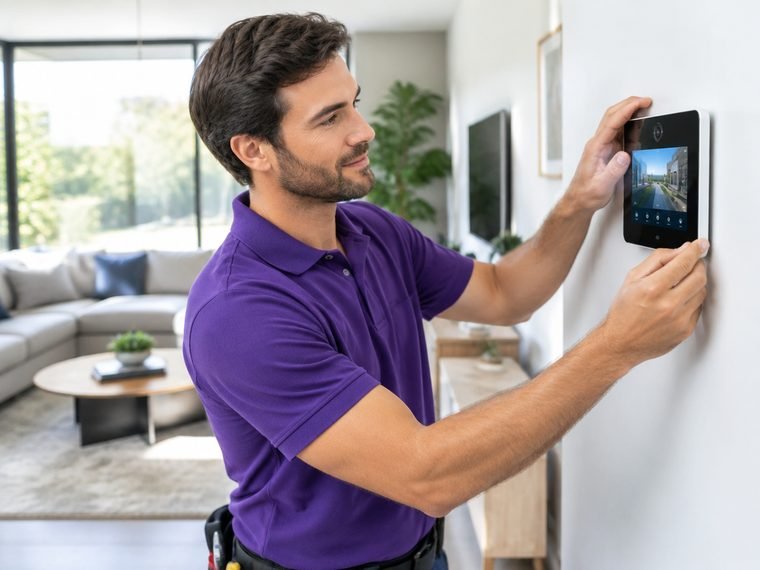
Cameras only help if they're placed and configured well. Cover entry points (front door, back door, garage), driveways and blind spots; mount high enough to avoid tampering but angled to capture faces; and plan for power and network at each spot. A video doorbell covers the most common need — the front door — with the least fuss.
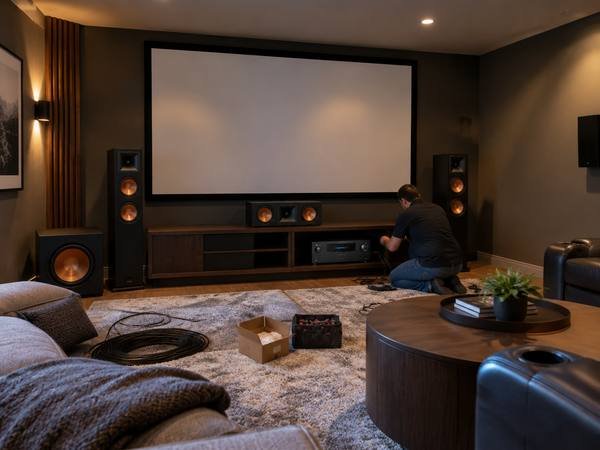
Great picture and sound come from correct mounting, cable management, speaker placement and calibration — not just good gear. Proper TV mounting with hidden wires, speakers positioned for the room, and a tuned system transform the experience. This is where a pro setup clearly beats a weekend of guessing.
A smart hub ties devices together so they actually cooperate — lights, thermostat, locks, cameras and speakers responding to routines instead of needing five apps. The value is in thoughtful automation (good-morning and good-night routines, away mode) that a proper setup configures, rather than a drawer of gadgets that each do their own thing.
Plugging in a single smart plug or speaker is DIY. Whole-home Wi-Fi, multi-camera security systems, data cabling, home theater, and automation that spans many devices are where a pro saves you hours of frustration and gets it working the first time. Anything involving in-wall wiring or mounting is worth a professional.
On Genie, tech and smart-home setup — Wi-Fi and mesh networks, security cameras and video doorbells, home theater, TV mounting, smart hubs and automation — is handled by vetted pros at an upfront price, with payment held until it's working the way you want.
Every task in this guide is something you can book on Genie — vetted, insured pros at an upfront price:
Almost always weak Wi-Fi. Fix coverage first — often with a mesh system or wired connections for cameras and streaming — before adding more devices.
Cover entry points, driveways and blind spots; mount high to avoid tampering but angled to capture faces; and plan power and network at each spot. A video doorbell handles the most common front-door need.
Picture and sound depend on correct mounting, cable management, speaker placement and calibration. A pro setup gets it right the first time — worth it over a weekend of guessing.